
Codex, let’s talk Obsidian
Google Docs is better than ChatGPT's broken in-app file system, but it still isn’t great either. Every prompt needs multiple system calls to get the content, which just costs extra tokens, and don’t tell me you can review Google's cryptic approval prompts in Codex. Besides, I am now so used to working with markdown in Bear1 that GDoc feels like a step back. So, it is time for a second detour: get me some markdown.
My Bear App is bound to Apple's ecosystem and, because of that, is not an option, but there is Obsidian2. For years colleagues raved about it, but I never had a reason to switch. Until now. It just works with plain markdown as a backend. No database in between, which means Codex can directly interact with local files. The UI also looks neat. But the killer feature for me is the LiveSync plugin3. Put a CouchDB4 on my Hetzner5 server, expose it in my Tailscale6 network, and LiveSync will stream Obsidian changes between server and phone.
The setup is simple. CouchDB is directly installed and managed by systemd7. It took Codex maybe 1 min to set up. We also added LiveSync CLI8 to stream file changes from CouchDB into my server vault. Otherwise, they are stuck in CouchDB, which would be the opposite of what I want. That CLI tool also has a `daemon` mode, making it a small server running continuously.

This time I am clever enough to discuss how to test this solution e2e before we start off, so Codex has enough signal to know if this is working or not. Codex cannot run my phone on the server, but at least it can use the CLI tool to sync files between two CLI clients.
Last step is to wire up my phone’s vault with my server. But here I ran into 2 issues. First, Codex did its thing and created an access URI/db user with limited permissions. LiveSync requires admin permissions since it is locking the database while bootstrapping my vault. But that is an easy fix. Just elevate the permissions. Now, I set my phone to instant or live sync and see stats showing up above notes.
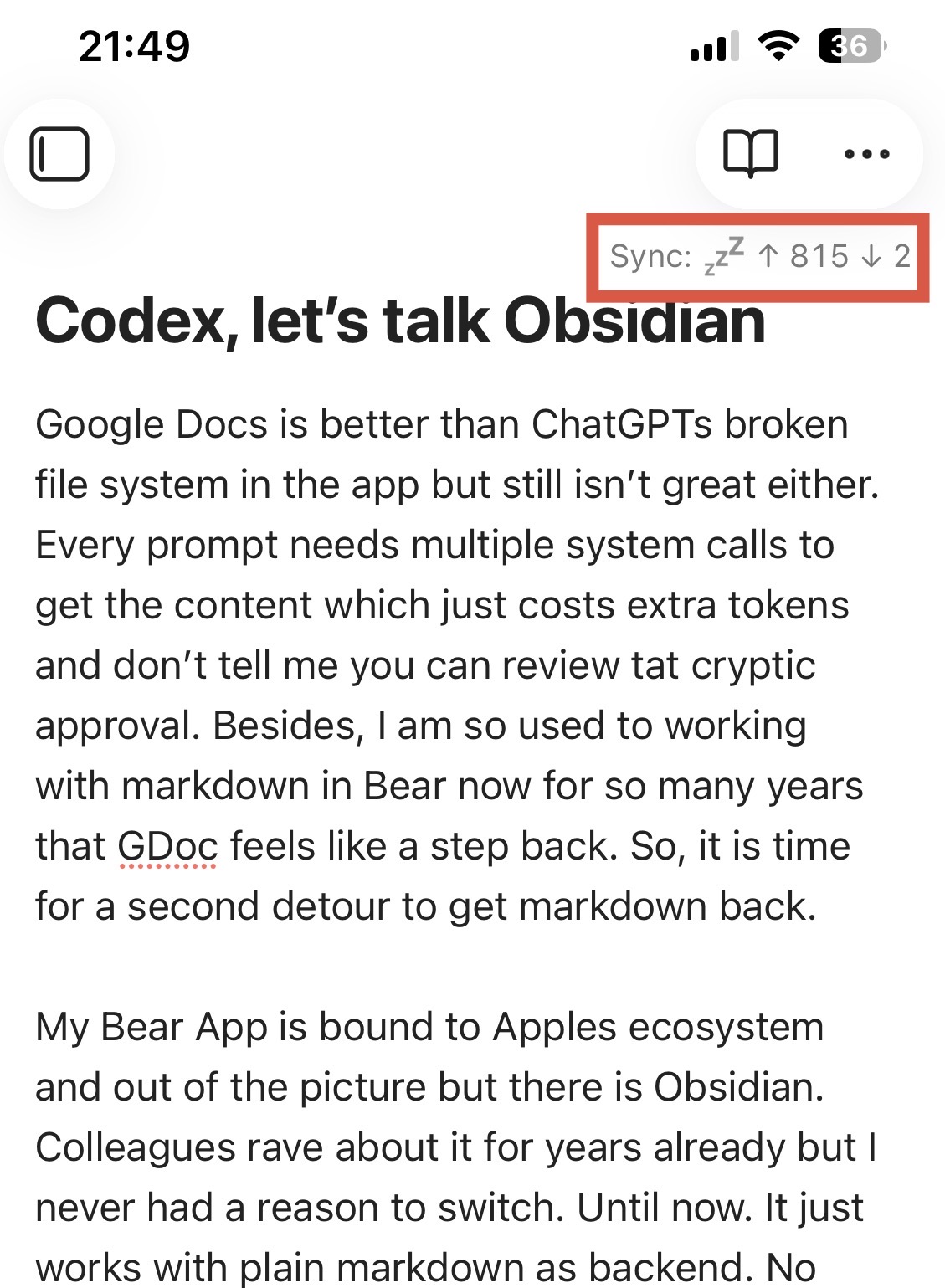
I’m stoked. So let’s check the server. Nothing. Checking in with Codex, it turns out the database is still locked. I try the setup again. No errors. I can even see the notification telling me the lock is applied, but there is no release … and then ChatGPT, Codex, and even Perplexity go down and I am stuck. The last message before they go offline is a hint at a LiveSync setting to unlock the database, but I cannot find that anywhere here in Obsidian.
After an hour, Codex is back again and we end up just releasing the lock with its admin access. Now, files show up on my server and changes flow between my phone and Hetzner. This post is the first item written in this new setup and I start to really like it. Maybe it is time to finally move to Obsidian for good. Just need to add backups to my vault.
P.S.: I finally found the unlock button in LiveSync’s settings.
Previous read: Of not appreciating terminal rendering enough